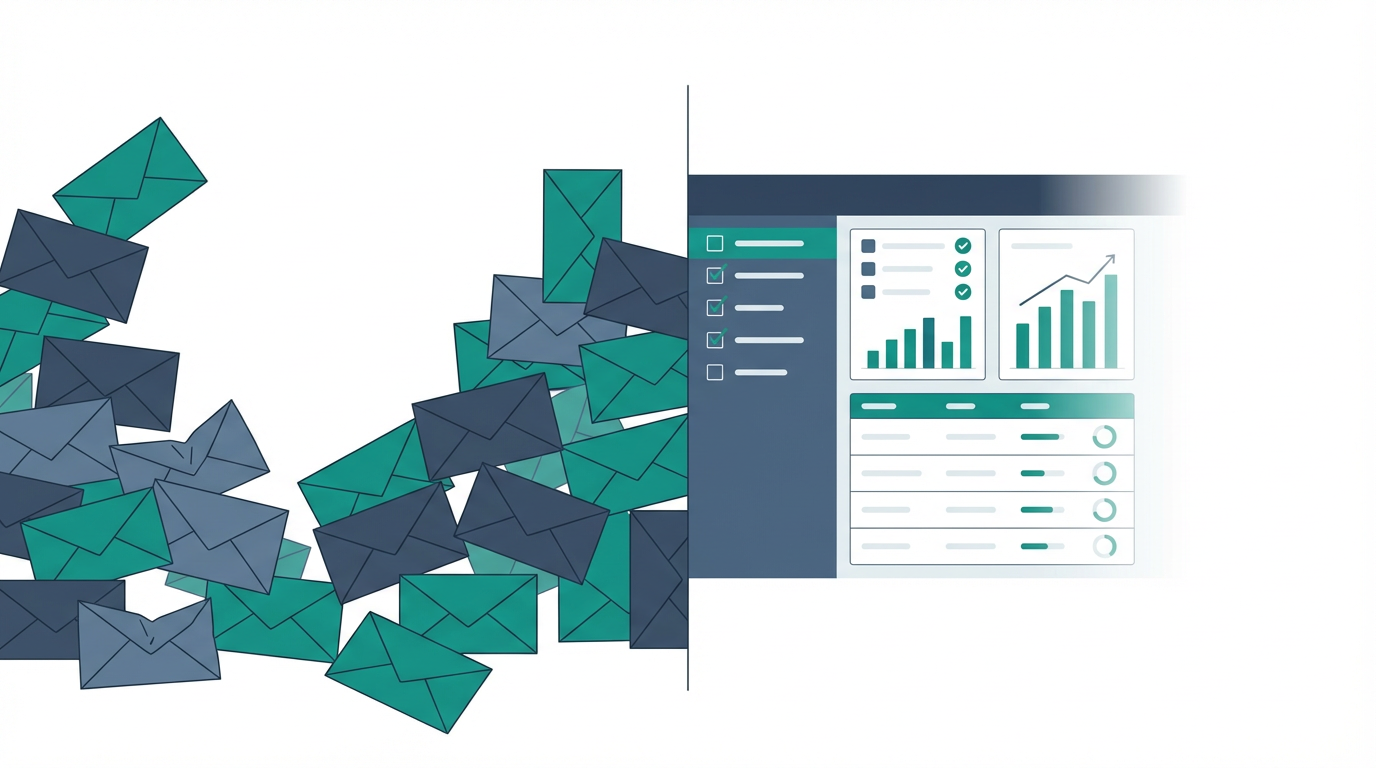

Debra Richardson, one of the most respected AP practitioners in the industry, has published frameworks covering 25 KPIs for vendor master file management. IOFM benchmarks cost per invoice, DPO, and exception rates across thousands of AP departments. HFMA publishes best practices for healthcare finance operations with detailed measurement guidance.
And yet there is no standard framework, anywhere, for measuring vendor inquiry response performance in healthcare AP.
The work that consumes four to six hours of every AP customer service rep's day has no KPIs. No benchmarks. No performance tracking. No way to know whether your team is getting better or worse, faster or slower, more effective or more overwhelmed.
That gap ends here. Below are the five KPIs every healthcare AP department should be tracking for vendor inquiry performance, with definitions, measurement approaches, healthcare-specific benchmarks where available, and honest guidance on why each one matters.
You don't need a sophisticated system to start. A spreadsheet and two weeks of manual data collection will give you more insight into your inquiry operation than most AP teams have ever had. These metrics also form the baseline you need before evaluating vendor inquiry automation. You can't measure the ROI of automation without knowing where your current performance stands.
KPI 1: Average Inquiry Response Time#
Definition: The average elapsed time from when a vendor email arrives in the AP inbox to when a response is sent.
Why it matters: This is the foundational metric for vendor inquiry management. A slow average response time is the leading indicator for every downstream problem: follow-up calls, management escalations, credit holds, and early-pay discount leakage. In healthcare, where supply chain disruption has clinical consequences, response time has higher stakes than in most other industries.
How to measure it: If your shared inbox runs on Microsoft 365 (which most healthcare organizations use), you can pull a two-week sample by exporting the AP inbox message list and comparing received timestamps against your team's reply timestamps. This is manual work, but it's one-time setup work that produces a meaningful baseline.
Benchmark target: For routine status inquiries (invoice status, payment date, remittance requests), same-business-day response is the minimum acceptable standard. A 4-hour response target for routine inquiries is achievable for most teams and prevents the escalation cascade from starting. For credit hold threats or escalation emails, 1-hour response is appropriate. Vendor inquiry automation can make these targets achievable even at high volume. A 5 to 10 minute manual lookup cycle becomes a 30-second review when ERP data is surfaced automatically.
Healthcare-specific note: Large distributor AR teams (McKesson, Cardinal, Medline) typically follow up within 48 to 72 hours of no response. Your response time target should be faster than their follow-up cadence, otherwise you're always behind.
KPI 2: Inquiry Backlog Age#
Definition: The age distribution of unanswered vendor emails currently in the AP inbox. Specifically: how many are older than 24 hours, 48 hours, and 72 hours?
Why it matters: Average response time tells you how quickly you're responding overall. Backlog age tells you where you have a problem right now. A low average response time can coexist with a long-tail backlog if your team handles easy inquiries quickly while harder ones accumulate. Backlog age surfaced by priority cohort, separating critical vendors, GPO suppliers, and routine inquiries, gives you actionable triage information.
How to measure it: Sort the AP inbox by received date. Count emails older than 24 hours, 48 hours, and 72 hours. Note any from vendors who represent significant supply chain or payment risk. This is a 10-minute daily check once you establish the habit.
Benchmark target: No routine inquiry should be older than 48 hours unanswered. No inquiry from a major distributor or supply chain-critical vendor should be older than 24 hours. Any email older than 72 hours should trigger a review for escalation risk.
Healthcare-specific note: Backlog age is the metric most directly connected to credit hold prevention. A credit hold from a major surgical supply distributor typically escalates over 10 to 14 days from initial inquiry. Monitoring backlog age lets you identify at-risk vendor relationships before they reach the credit hold stage.
Start tracking backlog age before anything else. It requires no new tools, just a 10-minute daily check of the inbox sorted by date. After two weeks, you'll have baseline data that is far more useful for management conversations than any anecdotal description of the backlog.
KPI 3: First-Contact Resolution Rate#
Definition: The percentage of vendor inquiries resolved with a single response, with no follow-up from the vendor required.
Why it matters: Every follow-up from a vendor represents a failure to resolve the inquiry the first time. That failure might be because the initial response was incomplete, the AP rep didn't have access to the right ERP data, the response was delayed long enough that the vendor's urgency escalated, or the inquiry itself required back-and-forth. Tracking first-contact resolution helps distinguish between these causes and prioritize where process improvement will have the most impact.
How to measure it: For a two-week sample period, track whether each vendor email thread required more than one response from your team. An inquiry that generates two or more emails from the vendor after your initial response is a first-contact resolution failure. Aggregate: number of inquiries resolved in one response ÷ total inquiries received = first-contact resolution rate.
Benchmark target: A 70% to 75% first-contact resolution rate is a reasonable initial target for healthcare AP teams handling mixed inquiry types. Higher-performing teams reach 85% to 90% once they have better ERP data access and response templates.
Healthcare-specific note: Low first-contact resolution is often a symptom of incomplete ERP data at the time of response. If an AP rep responds to a "when will this invoice be paid?" inquiry with "we'll look into it and get back to you," that's not a resolution. It's a deferral. The root cause is usually that the rep couldn't find the invoice or the payment schedule in the ERP quickly enough to give a complete answer on the first response.
KPI 4: Vendor Escalation Rate#
Definition: The percentage of vendor email inquiries that escalate beyond email, including phone calls, direct contact with procurement or management, or formal credit hold notices.
Why it matters: Escalations are expensive. As outlined in what your AP team isn't telling you, a phone call takes two to three times longer than an email response and pulls a rep off other work. An escalation to procurement or management involves more expensive employees and damages the vendor relationship. A credit hold escalation triggers organizational disruption. Escalation rate is the metric that translates AP inquiry performance into language that matters to CFOs and operations leaders.
How to measure it: Track inbound phone calls from vendors (ask the team to log vendor calls for two weeks, even a simple tally sheet works), notes where a vendor contacted procurement or a manager directly, and any formal credit hold notices received. Divide by total inquiry volume for the same period.
Benchmark target: An escalation rate below 5%, meaning fewer than 1 in 20 vendor inquiries escalates beyond email, is achievable with consistent response time performance. Rates above 15% indicate a systemic backlog problem that is actively damaging vendor relationships. Escalation rate is also one of the metrics most visibly improved by vendor inquiry automation: when inquiries receive same-day responses consistently, the follow-up emails and phone calls that generate escalations stop happening.
Healthcare-specific note: Escalation rate from major distributors is the most important sub-segment to track. A credit hold from McKesson or Cardinal Health carries clinical supply chain implications that a credit hold from a minor vendor does not. Tracking escalation by vendor tier gives you prioritization guidance for where to concentrate response time improvements.
KPI 5: Early-Pay Discount Capture Rate#
Definition: The percentage of available early-pay discount terms actually captured, expressed as a ratio of discounts taken to total discount-eligible invoice value.
Why it matters: This is the financial impact metric, the one that translates vendor inquiry performance directly into dollars that show up in the CFO's report. Early-pay discount programs (commonly structured as 1% to 2% for payment within 10 days) represent significant savings for healthcare organizations with large payables volumes. Capturing them requires not just fast invoice processing, but fast dispute resolution. When an invoice has a discrepancy, whether a wrong amount, a missing PO, or a GPO contract pricing variance, resolving it before the discount window closes requires responsive vendor inquiry handling.
How to measure it: Pull the last 90 days of early-pay discount data from the ERP. Most ERPs track available discounts on invoices with prompt payment terms. Compare discounts available against discounts captured. Note any invoices where the discount window expired during an active inquiry or dispute.
Benchmark target: High-performing healthcare AP departments capture 85% to 90% of available early-pay discounts. Teams with unmanaged inquiry backlogs typically capture 55% to 70%, with the gap representing discounts that expired while disputes or inquiries were pending.
Healthcare-specific note: Healthcare organizations under margin pressure, operating at 2% to 5% margins, which is standard for many health systems, should treat early-pay discount capture as a real financial optimization target, not a nice-to-have. A health system with $300 million in annual payables eligible for early-pay discounts, improving discount capture from 65% to 85%, is adding $600,000 in annual savings that flows directly to the bottom line.
Building Your Baseline#
You don't need a BI tool or a new software platform to start tracking these five KPIs. You need a spreadsheet and two weeks of consistent data collection.
Set up a simple log: date, vendor name, inquiry type (invoice status, payment date, payment details, dispute, etc.), received timestamp, response timestamp, resolved in one contact (yes/no), escalated (yes/no), discount window status (if applicable). Ask the AP team to fill it out as they work. At the end of two weeks, you have a baseline.
That baseline does something important beyond providing data: it makes the work visible. When the AP director can show a CFO that the team handled 1,840 vendor inquiries in two weeks, with an average response time of 27 hours, a 62% first-contact resolution rate, and 8 escalations that included one credit hold notice, the conversation about inquiry management investment changes completely.
The KPIs above aren't the definitive list, and your specific situation may weight some differently than others. But they cover the core dimensions of inquiry performance: speed, age, quality, escalation risk, and financial impact.
Start measuring. The data will tell you where to focus next.
When that data is in hand, you're positioned to evaluate vendor inquiry automation with specificity rather than hope. You'll know exactly how much time is consumed per inquiry, where the backlog accumulates, and what improvement looks like in dollars. Auxtri's features are built around automating the lookup-and-respond cycle that these five KPIs measure. The pricing page includes a framework for estimating the ROI impact on each metric.
Build the Baseline, Then Automate
Two weeks of manual data collection will give you more visibility into your inquiry operation than most healthcare AP teams have ever had. Once you have it, request a demo to see how vendor inquiry automation turns that baseline into measurable improvement.